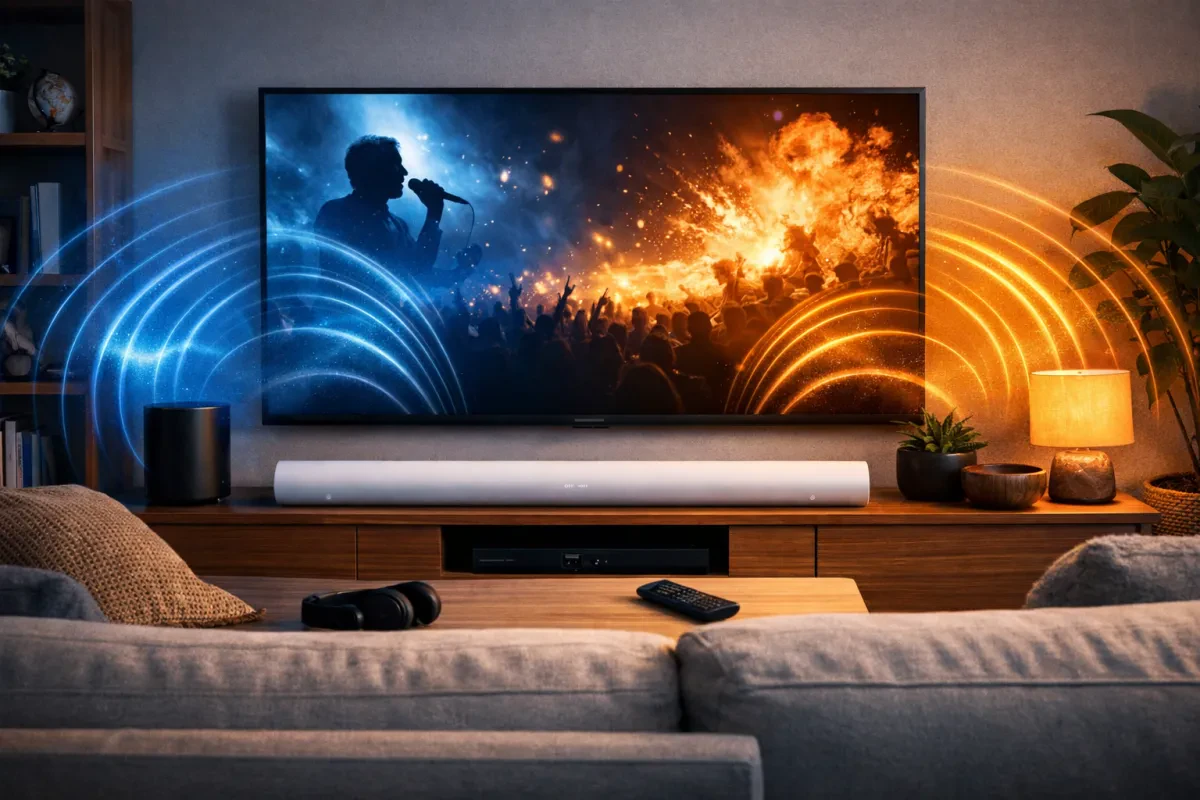
Getting your Sonos Arc up and running is a breeze. Seriously, with just a few steps, you can turn your living room into a full-on movie theater. Here’s a quick and easy Sonos Arc setup guide to help you get started.
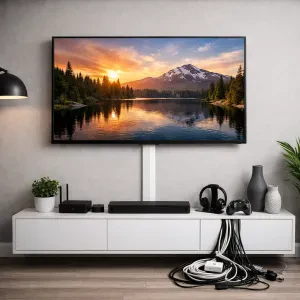
First things first, unbox that sleek soundbar and plug it in. You'll want to connect it to your TV using an HDMI ARC port. Don’t worry if you’re not sure which one that is; it’s usually labeled on the back of your TV. This connection lets your TV send sound to the Arc while also controlling it with your TV remote. Super convenient!
Next, download the Sonos app on your phone or tablet. This app is your best buddy during the setup. Once you open it, tap “Set Up New System” and follow the prompts. The app will guide you through connecting the Arc to your Wi-Fi and optimizing the sound for your space. It’ll even walk you through running Trueplay tuning—this feature adjusts the sound based on your room layout to give you the best audio experience.
Once you've followed the app's instructions, test it out! Play a movie or your favorite tunes, and enjoy a surround sound experience that’ll make you feel like you’re right in the middle of the action. Trust me, you’ll be amazed at how good it sounds. That’s all there is to it! With this Sonos Arc setup guide, you’re ready to kick back and enjoy.
Connecting to Your TV Made Simple
Setting up your Sonos Arc to your TV can be a breeze if you break it down into simple steps. First things first, let’s talk about connections. You’ll want to use the HDMI eARC port on your TV for the best sound experience. This port allows you to send high-quality audio from your TV to the Sonos Arc, making it perfect for those movie nights.
If your TV doesn’t have an HDMI eARC port, don’t worry. You can still connect using an optical adapter that comes with the Sonos Arc. Just plug it into the optical out on your TV and into the back of the Arc. This setup is straightforward and works just fine, giving you great sound.
Once you’ve made the physical connections, it’s time to get everything talking to each other. Power on your TV and the Sonos Arc. Open the Sonos app on your smartphone or tablet and follow the prompts for the Sonos Arc setup guide. The app will walk you through the rest, ensuring your Sonos Arc is set up exactly how you want it.
Don't forget to fine-tune your sound settings too. Adjust the bass, treble, and other audio settings to your liking for the ultimate listening experience. Trust me, it’s worth taking the time to get it just right!
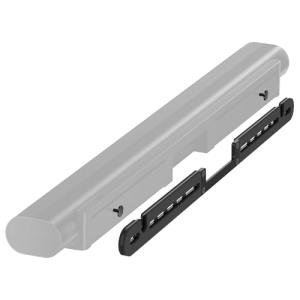
Soundbar Mount for Sonos Arc - Wall Bracket
Easily secure your Sonos Arc soundbar to the wall for better sound and a cleaner look in your home theater
Product information
$39.99 $29.99
Product Review Score
4.32 out of 5 stars
194 reviewsProduct links
WiFi and App Setup Explained
Getting your Sonos Arc up and running is super easy, especially when it comes to WiFi and app setup. First things first, make sure your Sonos Arc is plugged in and turned on. You'll need the Sonos app for your smartphone or tablet, so go ahead and download that if you haven’t already. It’s available for both iOS and Android, and it’s free!
Once you’ve got the app open, follow these steps to connect to your WiFi:
After your Arc is connected, the app will help you with a quick setup process. You get to choose your audio preferences and link other accounts like Spotify or Apple Music. If you're following this Sonos Arc setup guide, this part will be a breeze. The app provides helpful tips and notifications as you go along, so you won't get stuck.
And there you have it! You’re just a few minutes away from some amazing sound. With everything set up, you can easily customize your audio experience from the app, manage the settings, and even group other Sonos speakers if you have them. Enjoy your tunes without hassle!
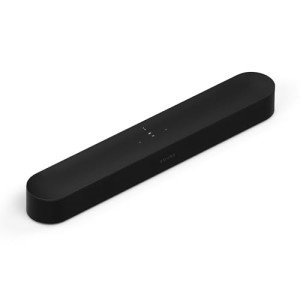
Sonos Fascio Gen 2 Compact Smart Soundbar
Experience immersive sound that fits perfectly in any space with the Sonos Fascio Gen 2 Compact Smart Soundbar
Product information
$499.00 $369.00
Product Review Score
4.64 out of 5 stars
117 reviewsProduct links
Customizing Sound for Your Space
Getting the perfect sound in your space goes beyond just setting up the Sonos Arc. It’s about making sure that every corner of your room is filled with the rich, immersive sound you crave. The Sonos Arc is designed to work with any room shape or size, but a few tweaks can help you customize it to fit your specific environment.
First, think about where you place your Sonos Arc. The ideal spot is right in front of your TV. It’s best if it's at ear level when you’re sitting down. If it’s too low or too high, you won’t get the best sound experience. Also, keep it clear of walls and furniture that could block the sound. A little bit of space goes a long way!
Next up, play around with the Trueplay feature. This is a game-changer in your Sonos Arc setup guide. With Trueplay, your Sonos Arc will analyze your room and adjust the sound to suit it. All you need is your smartphone. Just follow the prompts, and let your Arc do the heavy lifting. It’ll tweak the sound stage, so you get crystal clear audio no matter where you’re sitting in the room.
Lastly, don’t forget about the EQ settings in the Sonos app. You can adjust the bass, treble, and loudness to match your taste. Whether you love booming bass for movies or clear vocals for music, a few simple adjustments can help you find that sweet spot. Play around with the settings until you find that perfect balance!